
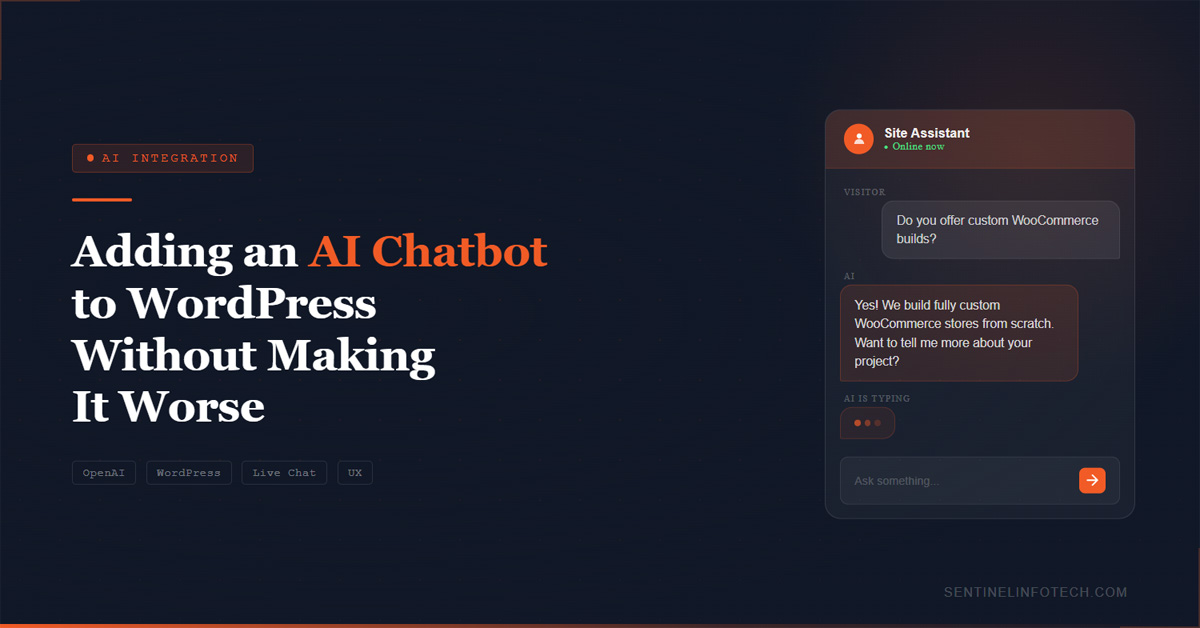
There are two types of chatbots on business websites. The first type answers questions accurately and saves the visitor time. The second type pops up immediately, says something generic like "Hi there! How can I help you today?" and then fails to understand anything the visitor actually types. Most chatbots are the second type. This post is about how to build the first type on a WordPress site. If you want a custom chatbot built rather than a DIY solution, our WordPress AI integration service handles the full build from architecture to deployment.
Start With the Problem, Not the Technology
Before deciding to add a chatbot, answer this question: what are the top 20 questions your support team or inbox receives most often? If you cannot name at least 10, the chatbot will not be useful because it will not have anything useful to say.
The chatbots that work well are the ones that answer a specific set of known questions accurately and consistently. A chatbot also indirectly supports search visibility by keeping visitors on the page longer and reducing bounce rates. The post on WordPress technical SEO fixes covers the broader performance and visibility improvements that work alongside AI tools. They know your pricing, your return policy, your shipping times, your service coverage areas, and the answers to the questions that come up repeatedly. Everything else they hand off to a human.
The chatbots that do not work are the ones built without this foundation. They use a generic LLM without any business-specific context and produce responses that are vague, confidently wrong, or both. Visitors learn to ignore them after the first interaction.
How to Actually Train It on Your Content
The most effective approach for a WordPress business chatbot is Retrieval-Augmented Generation, or RAG. This means the AI model retrieves relevant information from your own content before generating a response, rather than relying entirely on its pre-training. The practical effect is that the bot answers questions about your business specifically rather than answering generically.
For a WordPress site, the content sources typically include:
- Your FAQ page content
- Service or product description pages
- Pricing and terms documentation
- Shipping and returns policies
- Any knowledge base or support documentation you have
This content is indexed into a vector database. When a visitor asks a question, the system retrieves the most relevant chunks from your indexed content and passes them to the LLM along with the question. The LLM generates an answer based on that context rather than from general knowledge alone. The database layer behind a chatbot matters as much as the AI model itself. Our MySQL and database optimization service covers the performance tuning that keeps query times fast as your content index grows.
The Mistakes That Make Visitors Close It Immediately
Popping up uninvited after two seconds
Nobody likes this. Chatbots that appear without being triggered have higher close rates and lower engagement than ones that sit quietly until the visitor decides they want to use it. Give visitors a visible chat button they can click when they are ready.
Pretending to be a human when it is not
AI chatbots that use human names and avatars without disclosing they are automated create a trust problem when the visitor figures it out. Being transparent performs better in practice. "Ask our AI assistant" works better than pretending the visitor is talking to a person called Jessica.
No escalation path to a real person
If the bot cannot answer the question, the visitor needs a way to reach a human easily. An escalation that says "Would you like me to connect you with someone from our team?" keeps the experience positive. A bot that fails and offers nothing else creates frustration. Build the escalation path before the bot goes live, not after.
Answering questions outside its knowledge with confident nonsense
LLMs hallucinate. If the bot does not have information about something, it will often make something up rather than admit it does not know. This is the most damaging failure mode because it erodes trust. The system prompt needs to include explicit instruction to say "I do not have that information" when something falls outside the known content rather than generating a plausible-sounding answer.
The Technical Implementation on WordPress
For a production WordPress chatbot, the typical architecture looks like this:
- A vector database (Pinecone, Weaviate, or similar) holds your indexed content
- A WordPress plugin or custom PHP handles the chat widget and sends queries to a backend endpoint
- A lightweight API layer retrieves relevant context from the vector DB, constructs a prompt, and calls the LLM API (OpenAI, Claude, or Gemini)
- The response streams back to the WordPress frontend and renders in the chat widget
This architecture works best on a well-structured WordPress installation. Once the chatbot is live, keeping the WordPress installation and the integration running reliably requires regular maintenance. Our WordPress maintenance service covers the updates, security monitoring, and performance checks that keep AI integrations stable after launch. If your current site is not built to accommodate custom integrations cleanly, our custom WordPress development service can rebuild or refactor what is needed before adding the AI layer.
The API calls go server-side rather than directly from the browser. This keeps the API keys secure and allows you to add rate limiting, logging, and cost controls without exposing them to client-side code.
Streaming the response as it generates rather than waiting for the complete answer significantly improves the perceived response time. A response that appears word by word feels faster than one that makes the visitor wait three seconds for a block of text to appear.
When Not to Build a Chatbot
A chatbot is not the right solution if your business has highly complex inquiry types that require human judgement, if you do not have documented answers to common questions, or if your query volume does not justify the build cost. A simple contact form with a clear response time commitment often serves visitors better than a chatbot that cannot reliably answer their questions.
The honest test is this: would a visitor who uses the chatbot and gets an answer feel their time was well spent? If the answer is not clearly yes based on what the bot will actually know, build the documentation first and the chatbot later.
For WooCommerce stores specifically, AI chatbots work well for product recommendations and order status queries. The post on what happens when WooCommerce stores reach scale covers how AI fits into a growing store's technology stack.